
 English
 Bahasa Indonesia
 Čeština
 Deutsch
 Eesti
Eesti Español
 Filipino
 Français
 Hrvatski
 Íslenska
 Italiano
 Magyar
 Nederlands
 Norsk
Norsk Polski
 Português
 Română
 Suomi
Suomi Tiếng Việt
 Türkçe
 Български
 Монгол
 Русский
 Српски
 עברית
עברית العربية
 हिन्दी
 ไทย
ไทย ភាសារខ្មែរ
 한국어
한국어 中文
中文 日本語
日本語About Image Resize
Resize any image to exact pixel dimensions directly in your browser — no upload needed. Lock the aspect ratio to avoid distortion, choose output format (JPEG, PNG, WebP), and adjust quality for JPEG/WebP. The preview updates live as you type.
Drop files here or browse
Up to 1 file · Max 100MB each
Accepted: Image files
Free Image Resize Online - Fast & Precise
Resizing an image
This tool sets new dimensions for an image, either in pixels or as a proportion of the original size.
Making an image smaller normally gives a clean result. Making it larger only spreads the existing pixels over more area, which usually looks softer rather than sharper.
How to use it
Upload the image, enter a width or a height, and run the tool. You can then download the result.
Keep the aspect ratio locked unless you want the subject stretched. If you supply only one value, the other follows from the ratio.
What to check afterwards
Look at edges and any fine lettering in the result: that is where it shows first whether the new size is adequate for your purpose.
Social platforms expect specific dimensions; for those, the dedicated page for social media image sizes is the better fit.
Frequently asked questions
Is my original image modified?
No. A new file is produced and the original stays as it is until you choose to replace it yourself.
Why does the enlarged image look blurry?
Enlarging does not create new detail. The existing pixels are distributed over a larger area, which makes the image look softer.
Can I process several files one after another?
Yes. Repeat the process for each file; every run produces its own result to download separately.
Free Image Resize Online - Fast & Precise | DownloadVideo.vn
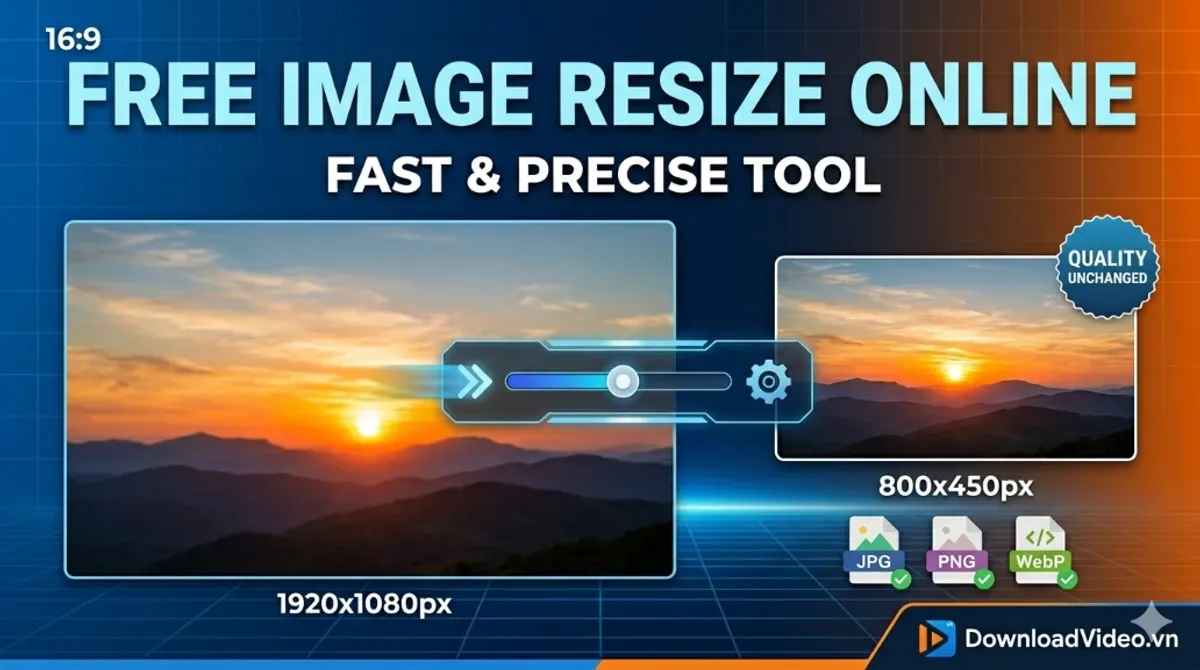
The Most Precise Online Image Resizer
At DownloadVideo.vn, we understand that image size matters for SEO, social media, and web speed. Our tool allows you to resize images online without the need for complex software like Photoshop. Whether you're a Shopee seller or a web developer, get fast and precise results every time.
How to Resize Images Without Losing Quality
Follow these simple steps to optimize your photos:
- Upload: Choose your image file from your computer or mobile device.
- Customize: Enter your target pixels (Width x Height) or use a ratio to maintain proportions.
- Save: Instant processing allows you to download your resized image immediately.
Key Features
- Fast Processing: Resize images in under 10 seconds.
- Privacy Guaranteed: Images are processed locally or deleted instantly.
- No Watermarks: Your images remain clean and professional.
- Format Support: Works perfectly with JPG, PNG, and WebP.
Frequently Asked Questions (FAQ)
Can I resize images for Instagram or Facebook?
Yes! Simply enter the required dimensions for each platform (e.g., 1080x1080 for Instagram posts) to get a perfect fit.
Does it work on mobile phones?
Absolutely. Our tool is fully responsive and works on Android, iPhone, and tablets via any web browser.