
 English
 Bahasa Indonesia
 Čeština
 Deutsch
 Eesti
Eesti Español
 Filipino
 Français
 Hrvatski
 Íslenska
 Italiano
 Magyar
 Nederlands
 Norsk
Norsk Polski
 Português
 Română
 Suomi
Suomi Tiếng Việt
 Türkçe
 Български
 Монгол
 Русский
 Српски
 עברית
עברית العربية
 हिन्दी
 ไทย
ไทย ភាសារខ្មែរ
 한국어
한국어 中文
中文 日本語
日本語How Image Compression Works
Adjust the quality slider to balance file size and image clarity. Lower quality = smaller file. Choose JPEG or WebP for lossy compression, or PNG for lossless output.
Drop files here or browse
Up to 1 file · Max 100MB each
Accepted: Image files
Free Image Compressor Online - Reduce Size, Keep Quality
Compressing an image
This tool reduces the file size of an image by compressing the image data more aggressively. The pixel dimensions stay the same.
Stronger compression saves more space but can introduce visible artefacts — most noticeably along edges, across smooth gradients and in fine lettering.
How to use it
Upload the image and run the compression, then compare the result against the original before using it.
View it at the size it will actually appear at; artefacts are easy to miss in a small preview.
When it is worth doing
For images on web pages and email attachments, a smaller file makes a real difference to load time and delivery.
For print or archival copies, keep the uncompressed version, since discarded image information cannot be recovered.
Frequently asked questions
Is my original image modified?
No. A new file is produced and the original stays as it is until you choose to replace it yourself.
Will the image be displayed smaller?
No. The dimensions stay the same and only the file size drops. To change dimensions, use the resize tool instead.
Can compression be undone?
No. Compression discards image information. Keep the original if you may need higher quality later.
Compress Image Online - Reduce Photo File Size Free | DownloadVideo.vn
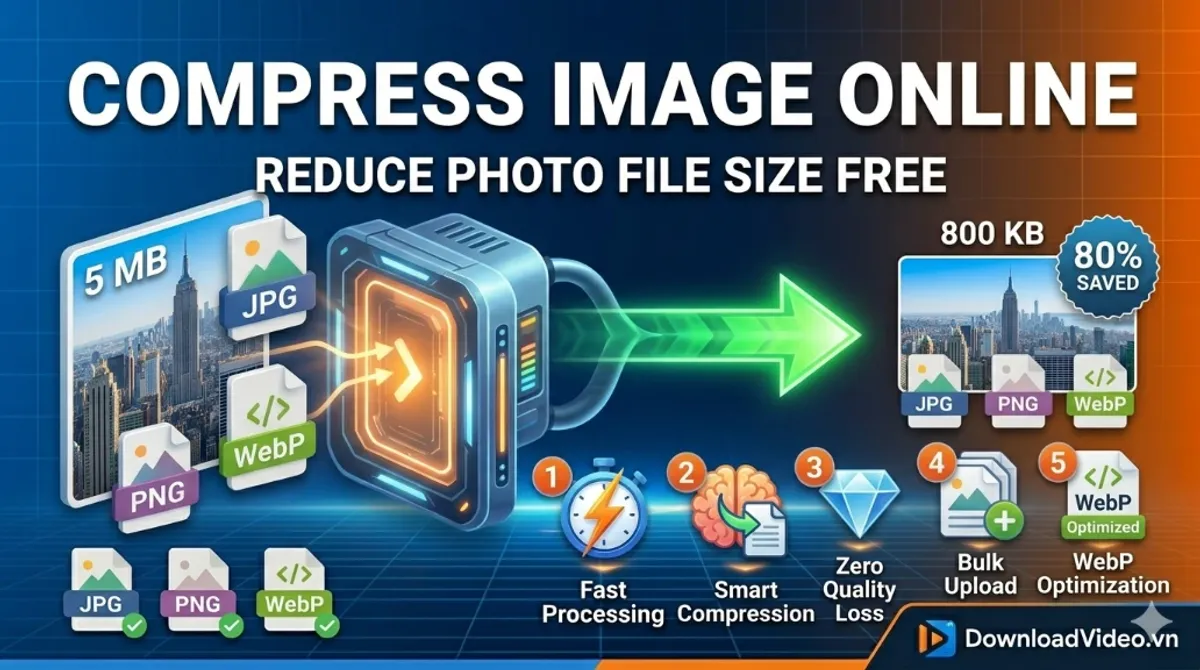
Why Optimize Your Images?
Large image files slow down your website and frustrate users. By using our Online Image Compressor, you can significantly improve your PageSpeed Insights score and Core Web Vitals. Whether you are managing an e-commerce store on Shopee or running a personal blog, lightweight images are key to better SEO rankings.
Advanced Compression Features
- Smart Lossy Compression: Perfect balance between size reduction and visual clarity.
- Privacy First: Images are processed in your browser and never stored on our servers.
- WebP Support: Fully compatible with the latest SEO-friendly image formats.
- Bulk Processing: Optimize multiple images at once to save time.
Perfect for Online Sellers
Selling on platforms like Shopee or Amazon requires high-quality yet fast-loading product photos. Our Snap Compress technology helps you meet file size requirements without making your products look blurry. Keep your customers happy with a fast-loading shopping experience.
Frequently Asked Questions
What is the best format for compression?
For the best results in 2026, we recommend using WebP. It offers superior compression compared to JPG and PNG while supporting transparency.
Is this tool secure?
Yes. Your privacy is our priority. No files are uploaded to any cloud storage; all compression happens locally on your device.