
 हिन्दी
 Bahasa Indonesia
 Deutsch
 Eesti
Eesti English
 Español
 Filipino
 Français
 Hrvatski
 Íslenska
 Magyar
 Nederlands
 Norsk
Norsk Polski
 Română
 Suomi
Suomi Tiếng Việt
 Türkçe
 Български
 Русский
 Српски
 العربية
 ไทย
ไทย 한국어
한국어 中文
中文 日本語
日本語How to Make Smooth Transformation Videos on TikTok
🎬 How to Make Cinematic Transformation Videos on TikTok (Easy 2025 Guide)
Want to join the trending transformation videos on TikTok but not sure how to do it?
Don’t worry — this step-by-step guide will show you exactly how to create smooth and aesthetic “before-and-after” clips using the Cinematic Transitions filter.
🪄 Step 1: Open TikTok and Go to “Discover”
Launch the TikTok app on your phone, then tap Discover at the bottom menu to explore trending effects.

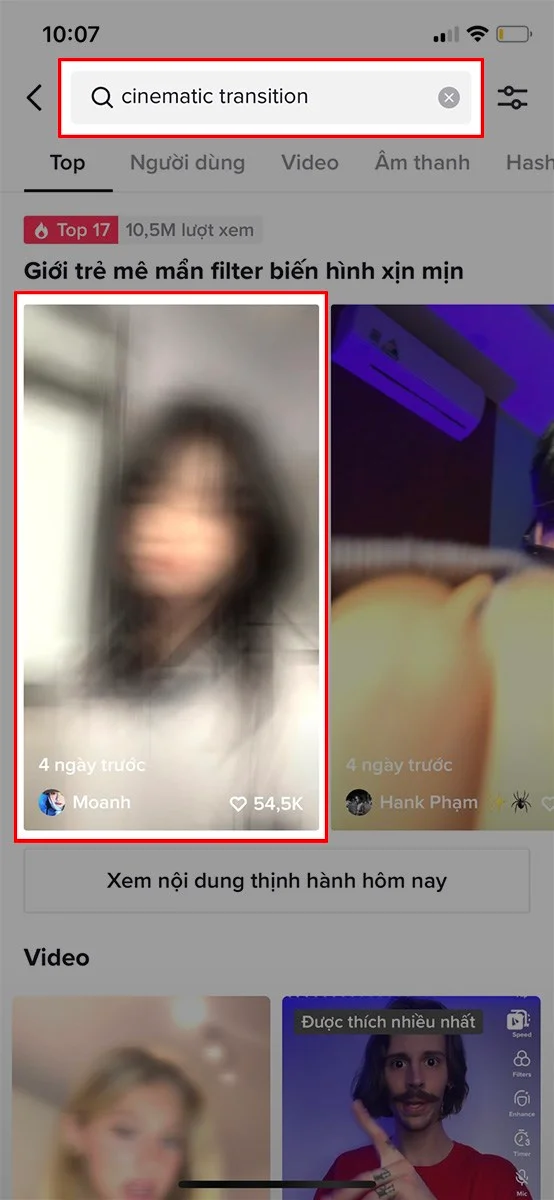
🔍 Step 2: Search “Cinematic Transition”
Type “cinematic transition” in the search bar. TikTok will show videos using this filter — tap one to preview how it looks.
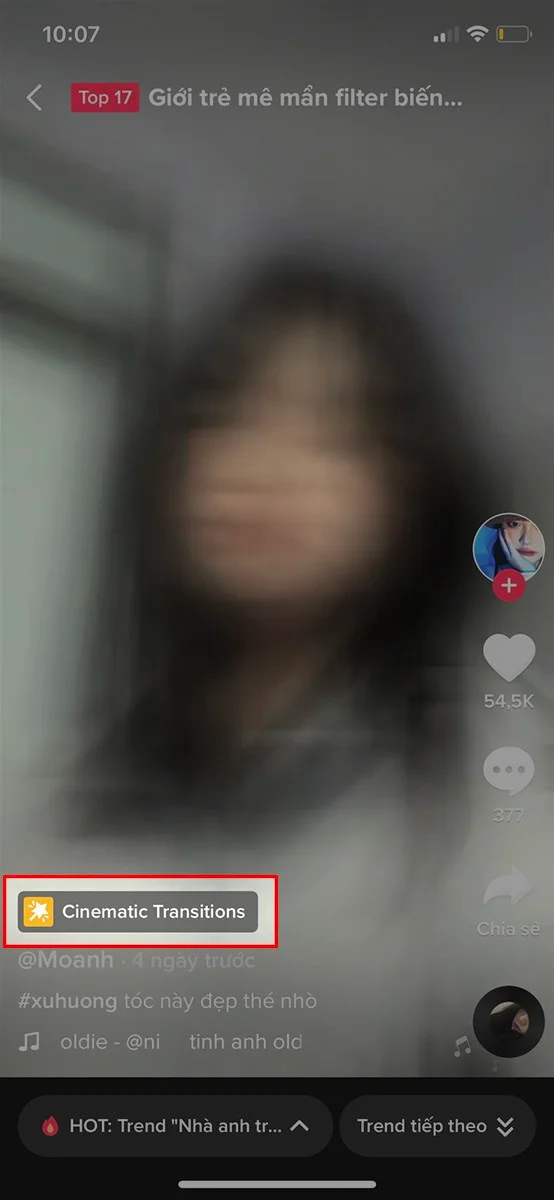
🎞 Step 3: Tap the Filter Name
Below the video, tap on the Cinematic Transitions effect name to open its detail page.
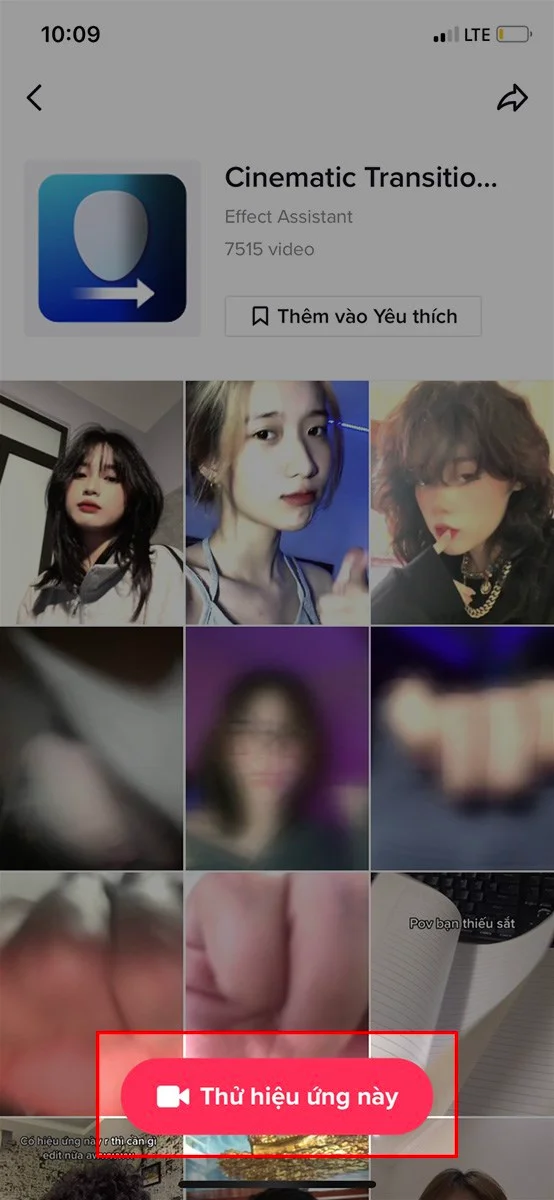
🎬 Step 4: Tap “Try this effect”
Press “Try this effect” to open your TikTok camera with the cinematic filter ready to use.
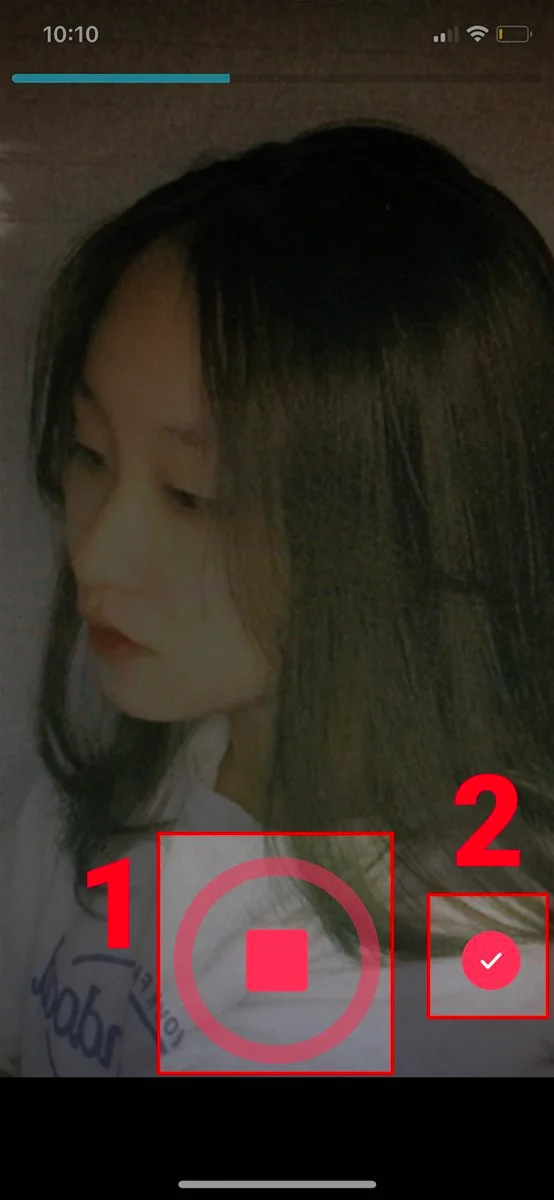
📸 Step 5: Record Your Video
Hold the red record button to start filming.
When you’re done, release it and tap the checkmark (✔) to move to the editing screen.
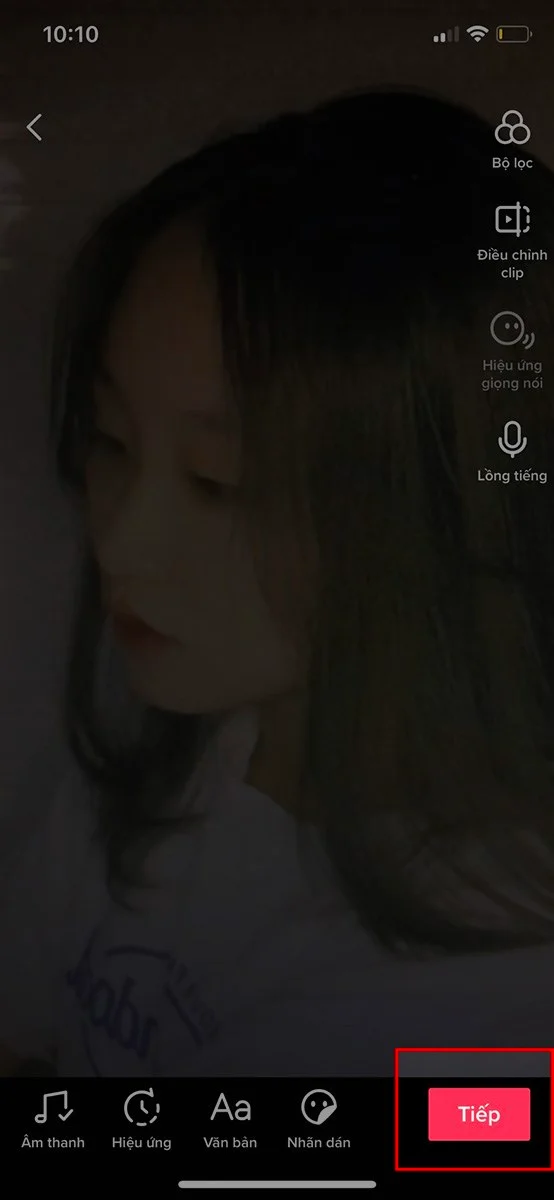
🎨 Step 6: Add Music and Filters
You can enhance your clip with music, stickers, or extra effects to make it more cinematic. Once you’re happy, tap Next.
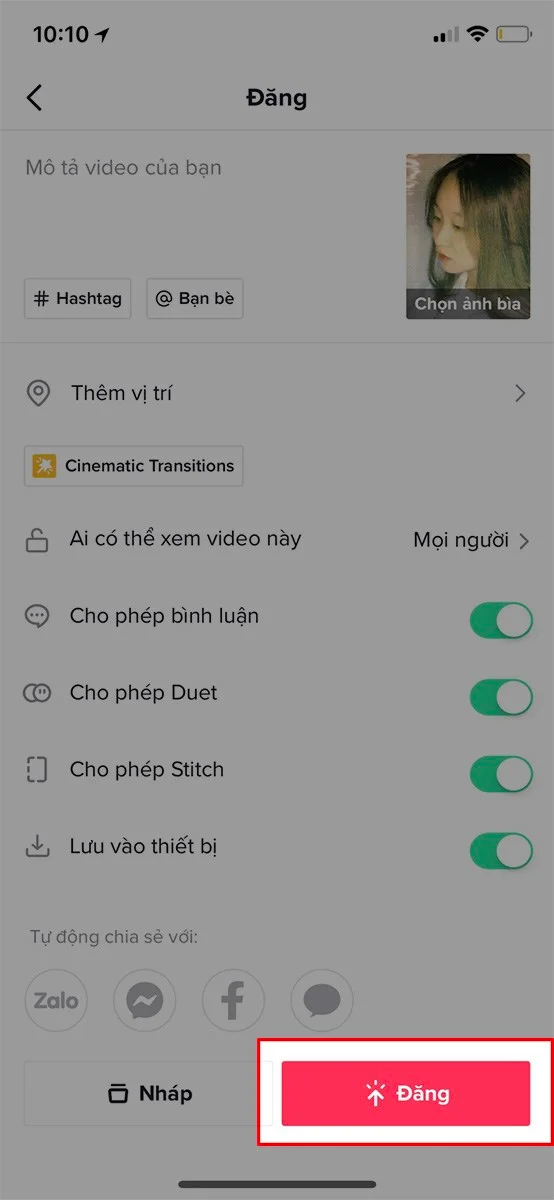
📲 Step 7: Post and Share
Write a catchy caption, add hashtags like #CinematicTransition, #TikTokTrend, or #TransformationVideo, and tap Post.
You can also share your masterpiece directly on Facebook, Instagram, or WhatsApp.
💡 Pro Tips for a Smooth Transformation Video
-
Record in good lighting to make transitions cleaner.
-
Match your movements with the music beats for perfect timing.
-
Experiment with outfit or background changes for extra wow effect.
✅ Conclusion
Creating cinematic transformation videos on TikTok is easier than ever.
With just a few taps and some creativity, you can turn a simple clip into a viral masterpiece that stands out in every feed!